

• About BreezyScroll
  • Privacy & Policy
  • Contact Us
Thursday, July 2, 2026
BreezyScroll
  • Home
  • Breezy Stories
  • Technology
  • Gaming
  • Entertainment
  • Lifestyle
  • World
  • Money
  • Sports
  • Breezy Explainer
No Result
View All Result
  • Home
  • Breezy Stories
  • Technology
  • Gaming
  • Entertainment
  • Lifestyle
  • World
  • Money
  • Sports
  • Breezy Explainer
No Result
View All Result
BreezyScroll
No Result
View All Result

Home  /  Technology  /  Four easy ways to protect your privacy on Amazon

Four easy ways to protect your privacy on Amazon

by KS Arpitha
January 4, 2024
in Technology
Reading Time: 3 mins read

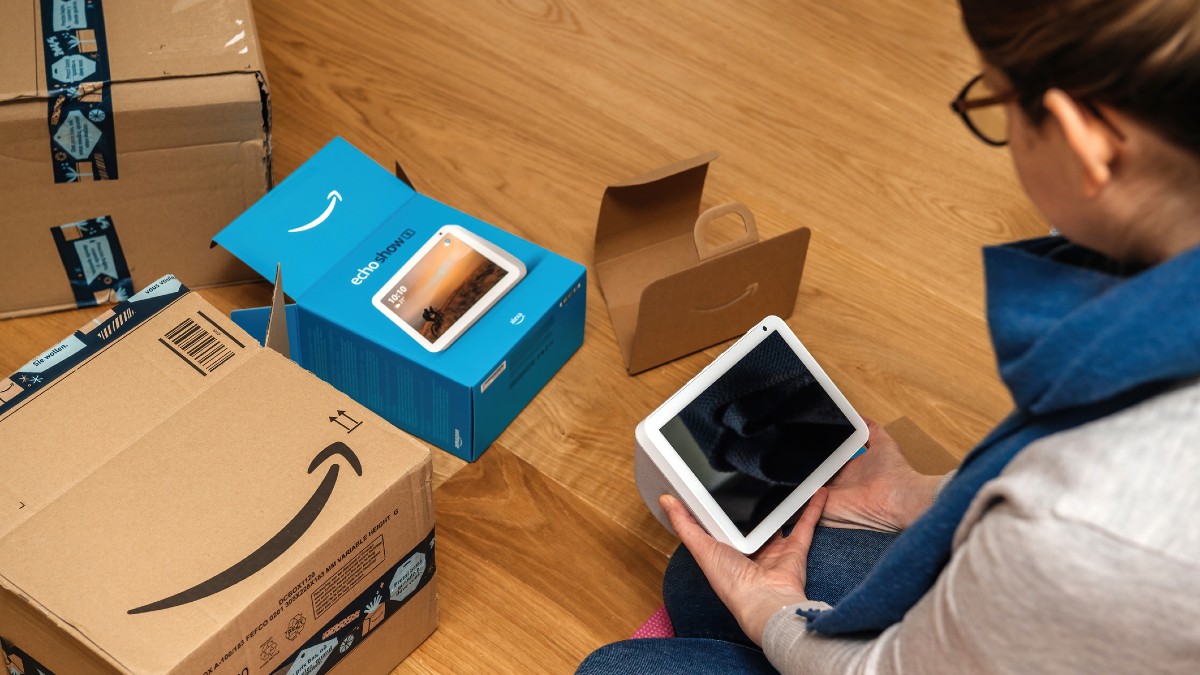
Do you buy items or window shop on Amazon? Do you happen to track things you want to buy or keep an Amazon wish list? If your answer is yes, then you NEED to make these changes ASAP and protect your piracy. Protection of your privacy in the age of pandemic amazon boom is the new must-do for everyone. Try these four simple tips to protect your privacy.

Delete all your Alexa recordings frequently
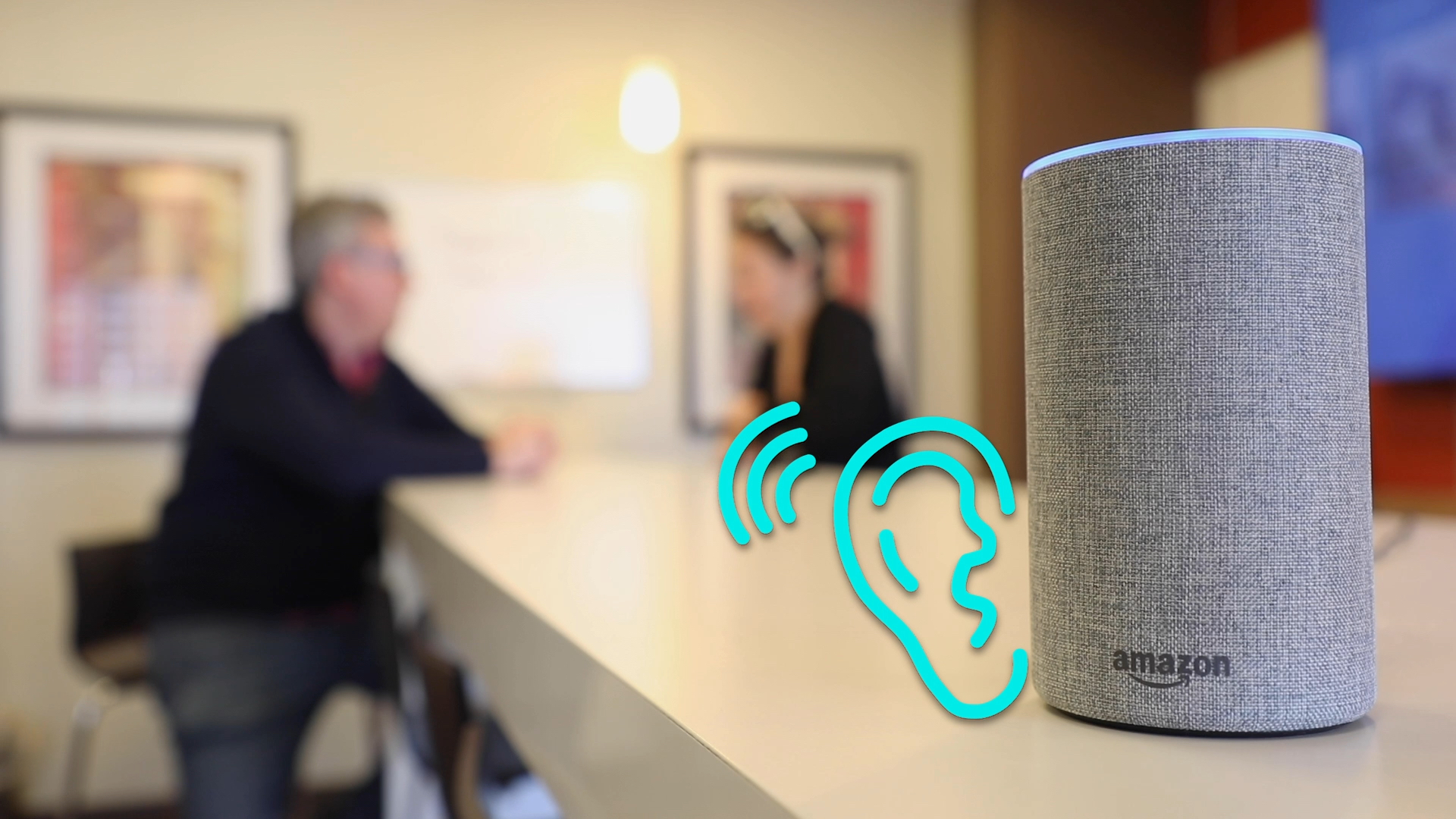
Nothing is ever truly lost, not in the age of the internet. Everything you have ever told your Alexa over the years is stored. Even things said in Alexa’s vicinity could be saved. Make sure to delete Alexa’s history once in a while or stop it permanently. Open the Amazon Alexa App on your phone, click on More > Settings > Alexa Privacy > manage your Alexa Data > Delete / Don’t save recordings.

Erase your browsing history on Amazon

Amazon keeps a detailed list of things you have ordered and browsed over the years. Based on this, it suggests the same or similar things repeatedly. You can stop these suggestions by deleting your entire browsing history. It will prevent Amazon from tracking your browsing history and keeping your Amazon browsing a secret. (www.spinabifida.net)

To do this, log in to your Amazon account from your browser. Click on Accounts and Lists > Your Browser History > View or edit your browsing history > Manage history > Remove all items from view. Additionally, you can also toggle the Browsing History on/off button to off. It stops Amazon from collecting your browsing history in the future.

Hide your order history
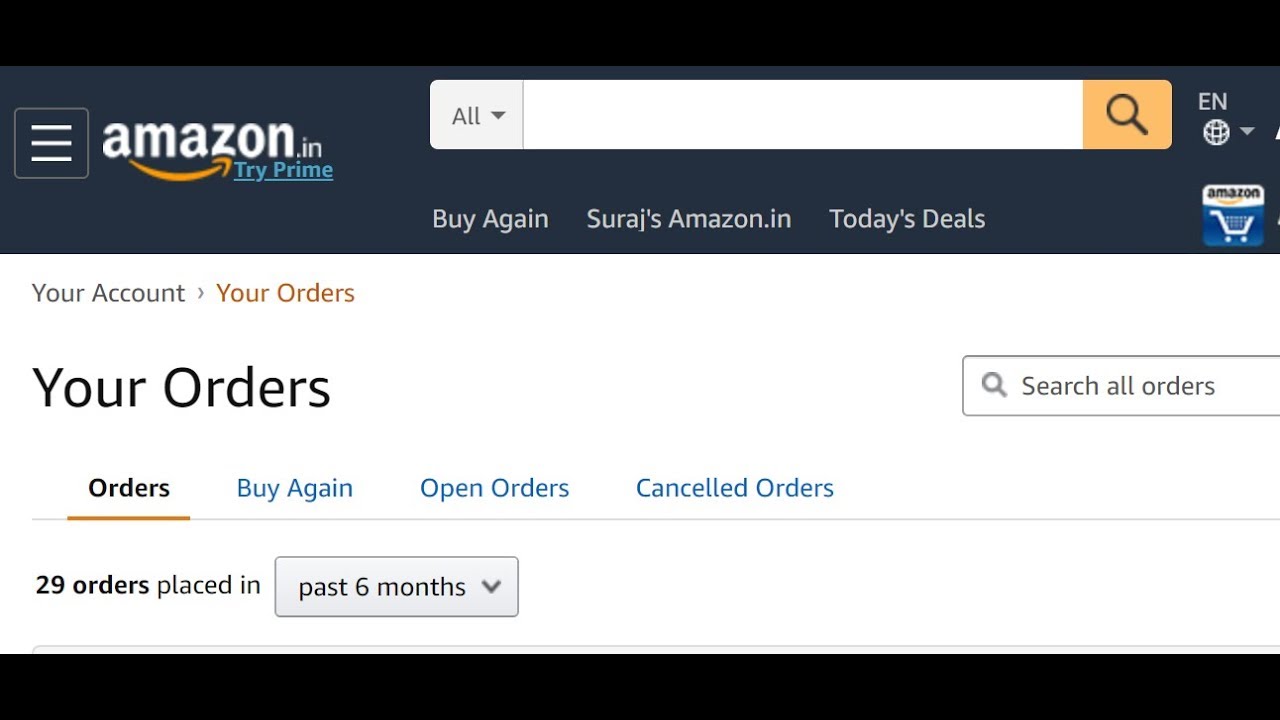
You are probably tired of Amazon suggesting you re-order things you bought before. One way to do this is to remove your old orders. You definitely cannot delete your order history permanently but, you can archive or hide them. Log in to your Amazon account on your web browser. Then, go to Returns and Orders > Archive Order > confirm and archive orders you wish to hide.

Make the best use of Echo Shows
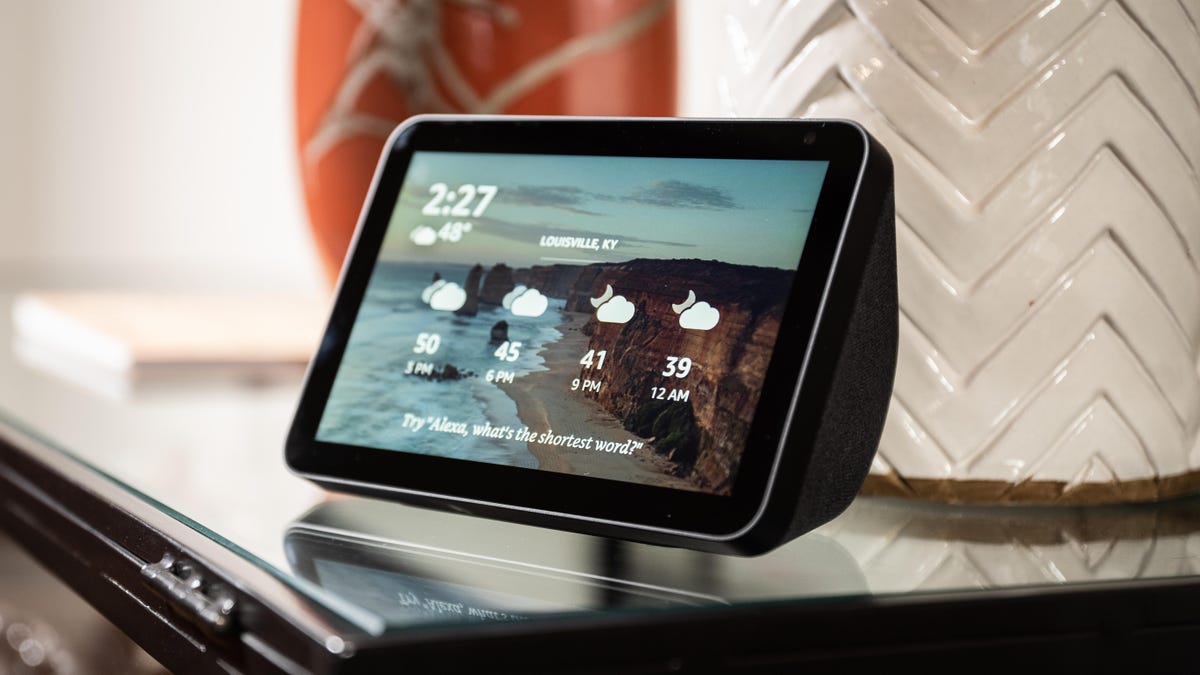
Remember that the speakers and display on your beloved Echo show go both ways. There is a chance that someone can see or hear happenings in your room with a tiny delay. Double-check this and control it using the ‘Drop in’ feature.

To do this, Open Alexa on your phone and click on Communicate > Settings > Choose Allow drop-in for selected contacts you trust. Then, click Settings > Device Settings and choose your trusted device. 

Tags: Amazon Privacy
ShareTweetShareSend

Recent Articles

Japan PM Sanae Takaichi’s India Visit: A New Chapter in India-Japan Ties

Japan PM Sanae Takaichi’s India Visit: A New Chapter in India-Japan Ties

July 2, 2026
Could the CIA’s MKUltra Mind-Control Program Still Be Active? Former Investigators Say It’s Possible, But There’s No Evidence

Could the CIA’s MKUltra Mind-Control Program Still Be Active? Former Investigators Say It’s Possible, But There’s No Evidence

July 2, 2026
Netflix Unhinged: How to Play, Story, Game Modes, and Survival Tips for the Interactive Horror Thriller

Netflix Unhinged: How to Play, Story, Game Modes, and Survival Tips for the Interactive Horror Thriller

July 2, 2026
‘Time Traveler from 2118’ Claims Commercial Time Travel Will Arrive by 2028: Here’s What He Says

‘Time Traveler from 2118’ Claims Commercial Time Travel Will Arrive by 2028: Here’s What He Says

July 2, 2026
BreezyScroll Logo

BreezyScroll is a global content platform that provides a unique experience of enhancing the knowledge quotient for its audience by providing the latest news and updates from various categories such as politics, sports, entertainment, technology, and more.
The platform aims to provide a concise and easy-to-read format for its users. BreezyScroll covers news stories from around the world, majorly the United States. The platform was launched in 2021 and has become one of the fastest-growing content companies in the US.

Follow Us

Browse by Category

  • Africa
  • Alaska
  • Animals
  • Asia
  • Athletics
  • Australia
  • Auto
  • Basketball
  • Bollywood
  • Brand
  • Breezy Explainer
  • Breezy Feature
  • Breezy Soul
  • Business
  • Canada
  • Chess
  • China
  • Coronavirus
  • Cricket
  • DIY
  • Education
  • Entertainment
  • Environment
  • EPL
  • Europe
  • Exclusive Interview
  • Exclusive Review
  • Football
  • Gaming
  • Health
  • Hollywood
  • India
  • International
  • K Pop
  • Law
  • Lifestyle
  • Middle East
  • Money
  • NFL
  • North America
  • OTT
  • Paris Olympics
  • Pets
  • Press Releases
  • Russia
  • Science
  • South America
  • Space
  • Sports
  • Startup
  • Technology
  • Tennis
  • Tennis
  • The Achievers
  • The US
  • Travel
  • UK
  • UK
  • Uncategorized
  • World
  • WWE

Trending Topics

AI Apple Australia Biden California Canada ChatGPT China Climate Change Coronavirus COVID-19 Donald Trump Elon Musk Featured Florida Google IPL Iran Japan Joe Biden Mars Meta Moon NASA NBA Netflix New York North Korea Ohio OpenAI Putin Russia Russia-Ukraine crisis South Korea Taliban Tesla Texas TikTok Trump Twitter UFO UK Ukraine USA Virat Kohli

No Result
View All Result
  • About BreezyScroll
  • Privacy & Policy
  • Contact Us

© 2024 · BreezyScroll.com

No Result
View All Result
  • Home
  • Breezy Stories
  • Technology
  • Gaming
  • Entertainment
  • Lifestyle
  • World
  • Money
  • Sports
  • Breezy Explainer

© 2024 · BreezyScroll.com

Go to mobile version