

• Independence Day
  • About BreezyScroll
  • Privacy & Policy
  • Contact Us
Thursday, August 20, 2026
BreezyScroll
  • Home
  • Breezy Stories
  • Technology
  • Gaming
  • Entertainment
  • Lifestyle
  • World
  • Money
  • Sports
  • Breezy Explainer
  • Independence Day
No Result
View All Result
  • Home
  • Breezy Stories
  • Technology
  • Gaming
  • Entertainment
  • Lifestyle
  • World
  • Money
  • Sports
  • Breezy Explainer
  • Independence Day
No Result
View All Result
BreezyScroll
No Result
View All Result

Home  /  Technology  /  How to maintain 100 percent iPhone battery health: Tips by Apple

How to maintain 100 percent iPhone battery health: Tips by Apple

by Jhanvi Mehtalia
May 31, 2021
in Technology
Reading Time: 3 mins read
Apple battery health

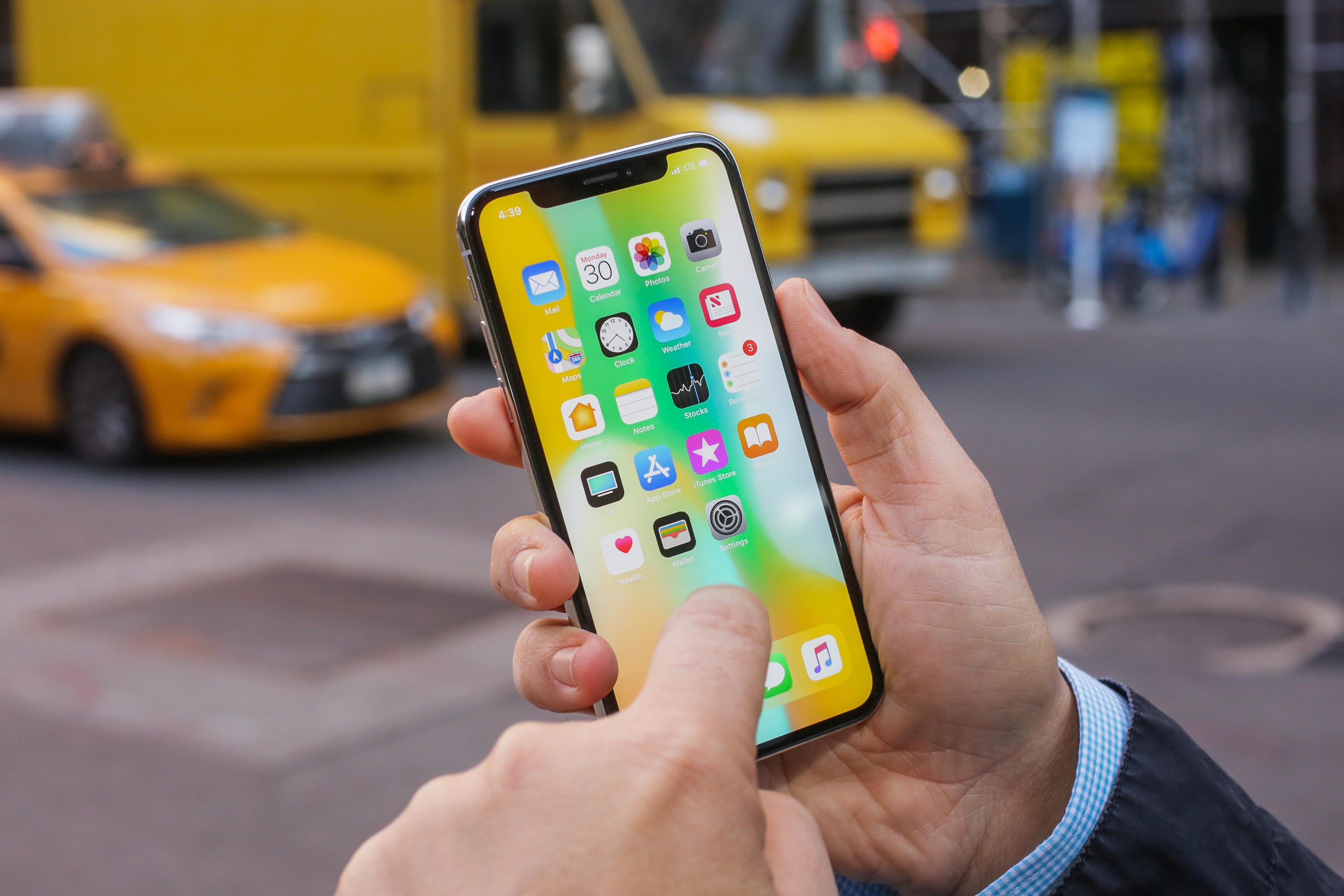
Apple regularly offers great battery health with its gadgets be it iPhone, iPad, Mac, Apple Watch models, or others. Be that as it may, Apple has been blamed for purposefully hindering iPhone models with aging batteries before, and it as of late paid $113 million to settle the BatteryGate case. While Apple accepts this was to safeguard battery wellbeing over long haul use, it has from that point forward presented battery and performance management features to users, apart from sharing tips and recommendations to maintain battery health. Here are some tips you can use to maintain 100% battery health.

Update your iPhone
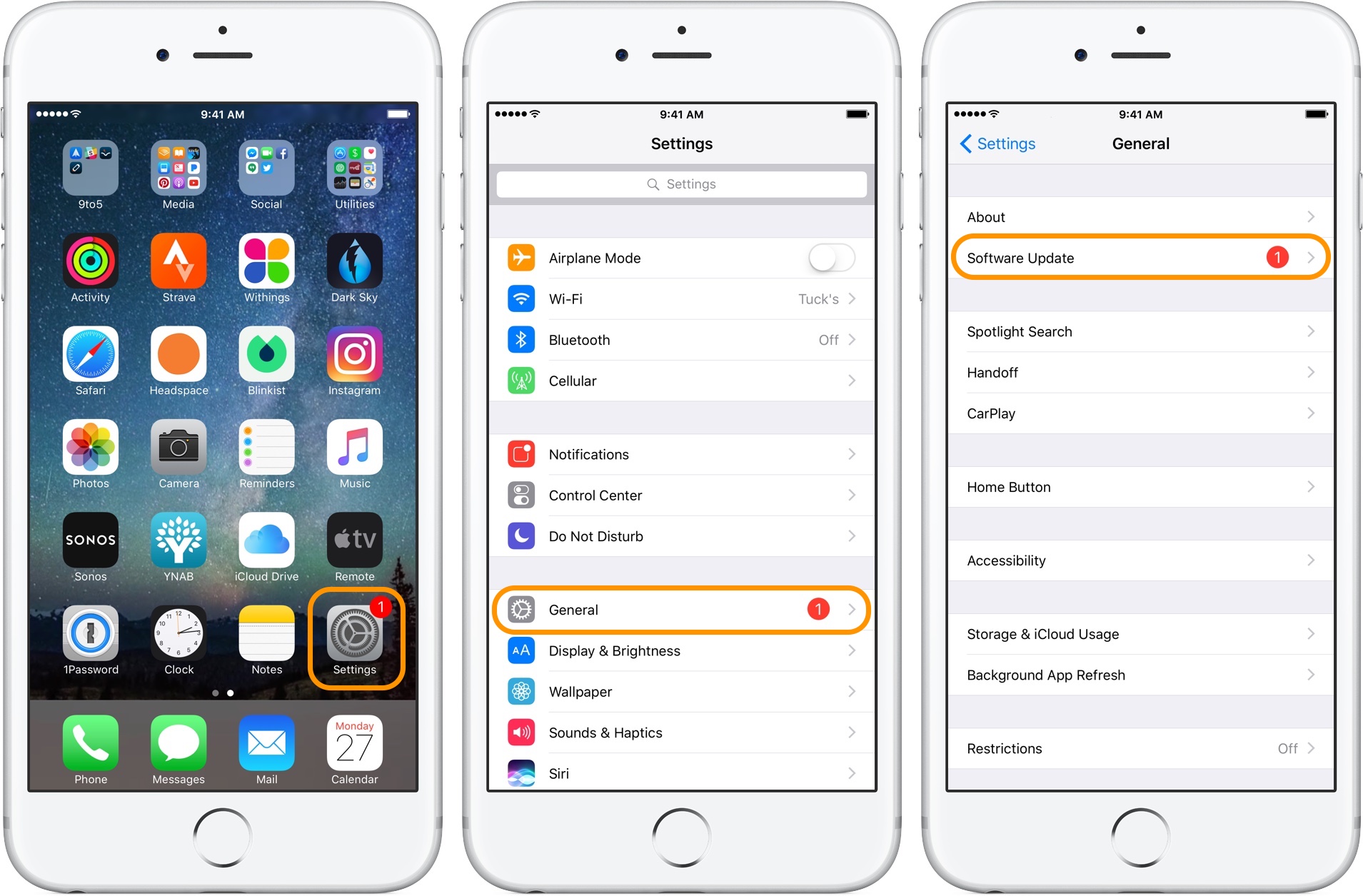
  1. On your iPhone, go to Settings.
  2. Click on General.
  3. Then click on Software Update.
  4. You will find the available update here. If you do see an update, click on it and iPhone will update. Make sure you have sufficient battery left.
  5. Alternatively, you can plug your iPhone into your computer. Then update it with the latest version of iTunes.

Dim display brightness, turn on auto brightness

  1. Open the Control Centre.
  2. Drag the brightness slider to the bottom.
  3. To activate auto-brightness, go to Settings.
  4. Head to the General option.
  5. Then click on Accessibility.
  6. Click on the Display Accommodations.
  7. Turn Auto-Brightness to On.

Enable ‘Low Power Mode’
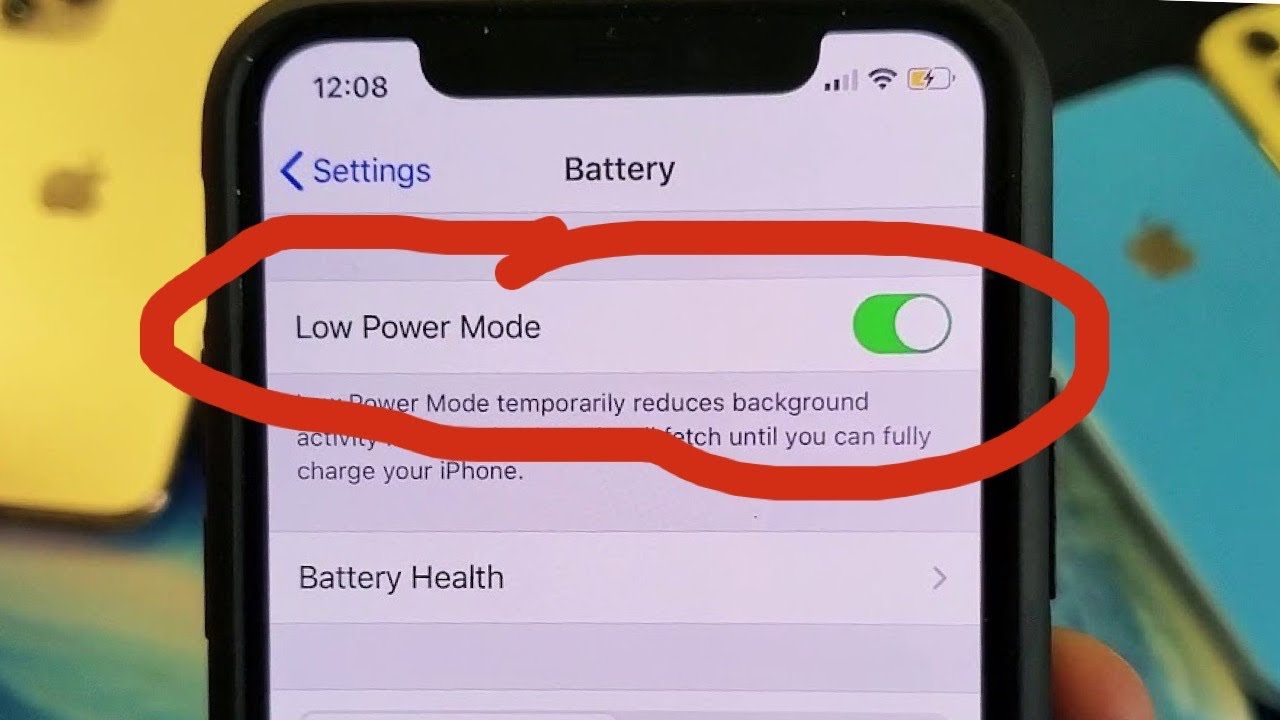
  1. Go to Settings.
  2. Scroll down and tap on Battery.
  3. Then turn on the Low Power Mode.

Prevent apps from refreshing in the background
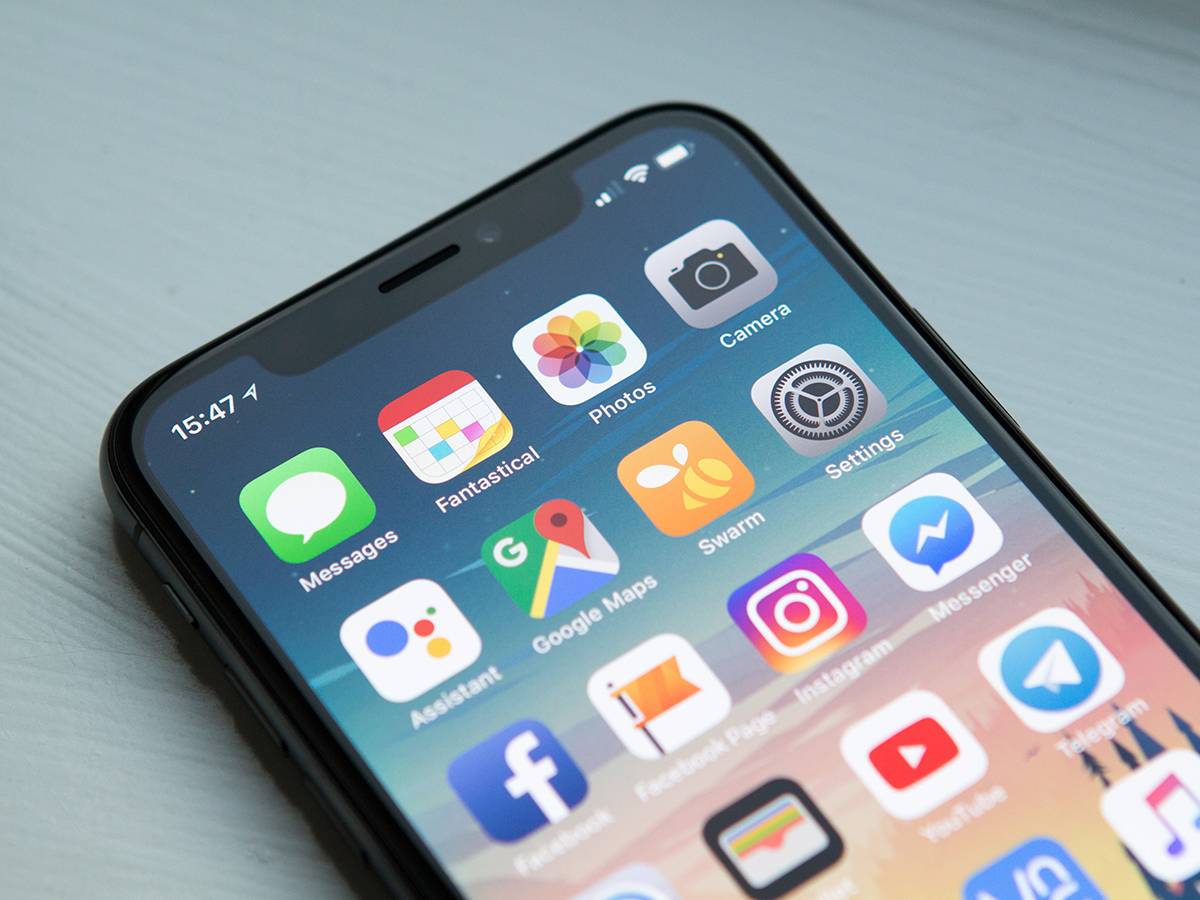
  1. Go to Settings.
  2. Click on General.
  3. Tap on Background App Refresh.
  4. Then select off to turn off Background App Refresh totally.

Turn off location services for apps
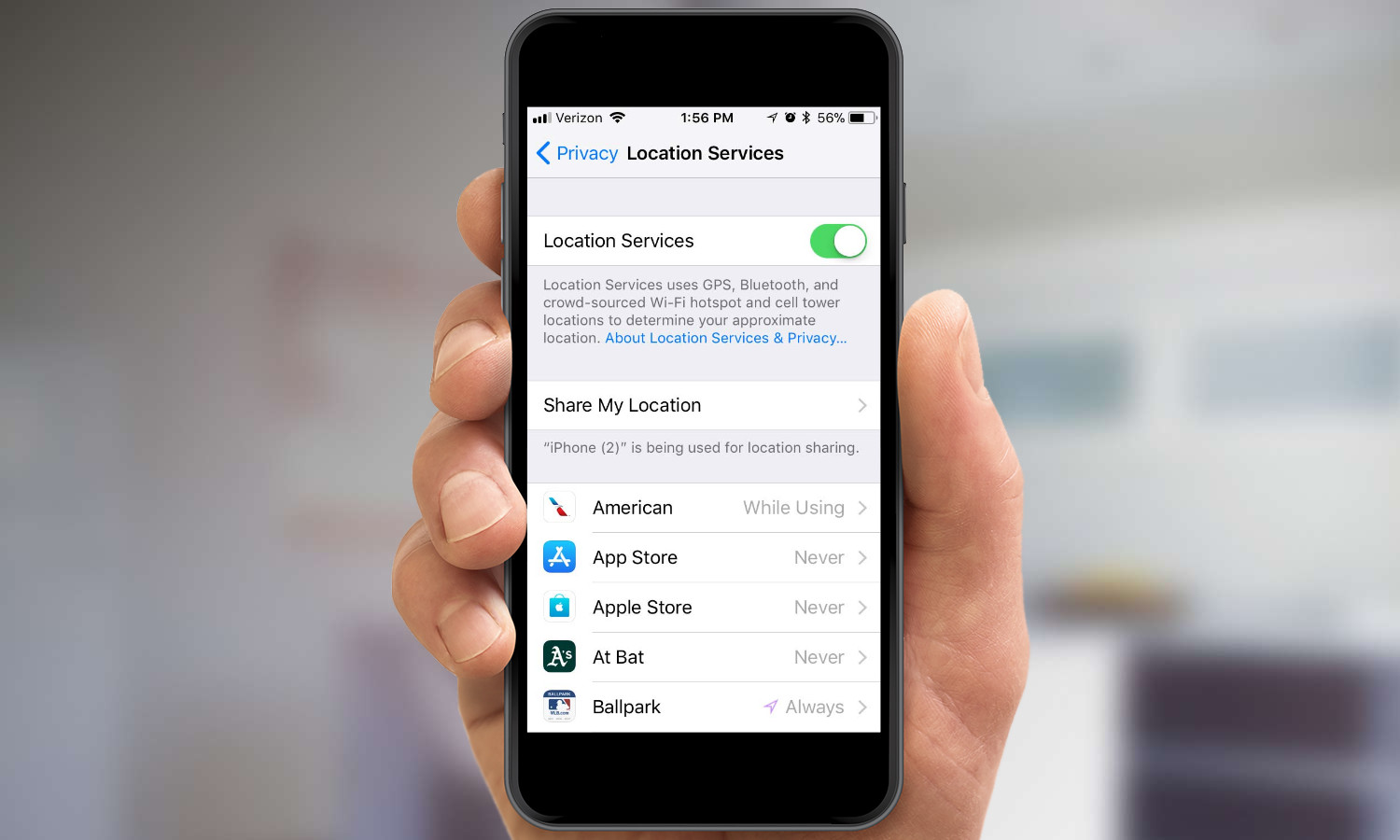
  1. Find Settings.
  2. Go to Privacy.
  3. Click on Location Services.
  4. Then you will see a list of apps that are using location services with an off button. Turn off the location services of the ones you don’t require.

Tags: AppleBattery Health
ShareTweetShareSend

Recent Articles

YouTube Paying Creators Millions to Stay Off Netflix: Report

YouTube Paying Creators Millions to Stay Off Netflix: Report

August 20, 2026
Britain Tells Asylum Seekers Not to Rape Women in Controversial Booklet

Britain Tells Asylum Seekers Not to Rape Women in Controversial Booklet

August 20, 2026
Blerim Skoro: The Former CIA Informant Facing Deportation After Risking His Life for US Intelligence

Blerim Skoro: The Former CIA Informant Facing Deportation After Risking His Life for US Intelligence

August 20, 2026
China Claims Japan Holds Enough Plutonium for 5,500 Nuclear Warheads

China Claims Japan Holds Enough Plutonium for 5,500 Nuclear Warheads

August 20, 2026
BreezyScroll Logo

BreezyScroll is a global content platform that provides a unique experience of enhancing the knowledge quotient for its audience by providing the latest news and updates from various categories such as politics, sports, entertainment, technology, and more.
The platform aims to provide a concise and easy-to-read format for its users. BreezyScroll covers news stories from around the world, majorly the United States. The platform was launched in 2021 and has become one of the fastest-growing content companies in the US.

Follow Us

Browse by Category

  • Africa
  • Alaska
  • Animals
  • Asia
  • Athletics
  • Australia
  • Auto
  • Basketball
  • Bollywood
  • Brand
  • Breezy Explainer
  • Breezy Feature
  • Breezy Soul
  • Business
  • Canada
  • Chess
  • China
  • Cricket
  • DIY
  • Education
  • Entertainment
  • Environment
  • EPL
  • Europe
  • Exclusive Interview
  • Exclusive Review
  • Football
  • Gaming
  • Health
  • Hollywood
  • India
  • International
  • K Pop
  • Law
  • Lifestyle
  • Middle East
  • Money
  • NFL
  • North America
  • OTT
  • Paris Olympics
  • Pets
  • Russia
  • Science
  • South America
  • Space
  • Sports
  • Startup
  • Technology
  • Tennis
  • Tennis
  • The Achievers
  • The US
  • Travel
  • UK
  • UK
  • Uncategorized
  • World
  • WWE

Trending Topics

Afghanistan AI Apple Australia Biden California Canada ChatGPT China Climate Change Donald Trump Elon Musk Featured Florida Google IPL Iran Japan Jeff Bezos Joe Biden Mars Meta Moon NASA NBA Netflix New York North Korea Ohio OpenAI Putin Russia Russia-Ukraine crisis South Korea SpaceX Taliban Tesla Texas TikTok Trump Twitter UFO UK Ukraine Virat Kohli

No Result
View All Result
  • About BreezyScroll
  • Breezy Stories
  • Contact Us
  • Privacy Policy
  • We Believe in You: Showcase Your Potential to the World
  • World News – Latest News Today | BreezyScroll

© 2024 · BreezyScroll.com

No Result
View All Result
  • Home
  • Breezy Stories
  • Technology
  • Gaming
  • Entertainment
  • Lifestyle
  • World
  • Money
  • Sports
  • Breezy Explainer
  • Independence Day

© 2024 · BreezyScroll.com

Go to mobile version